
Article
The best strategy games for Chromebook in 2026
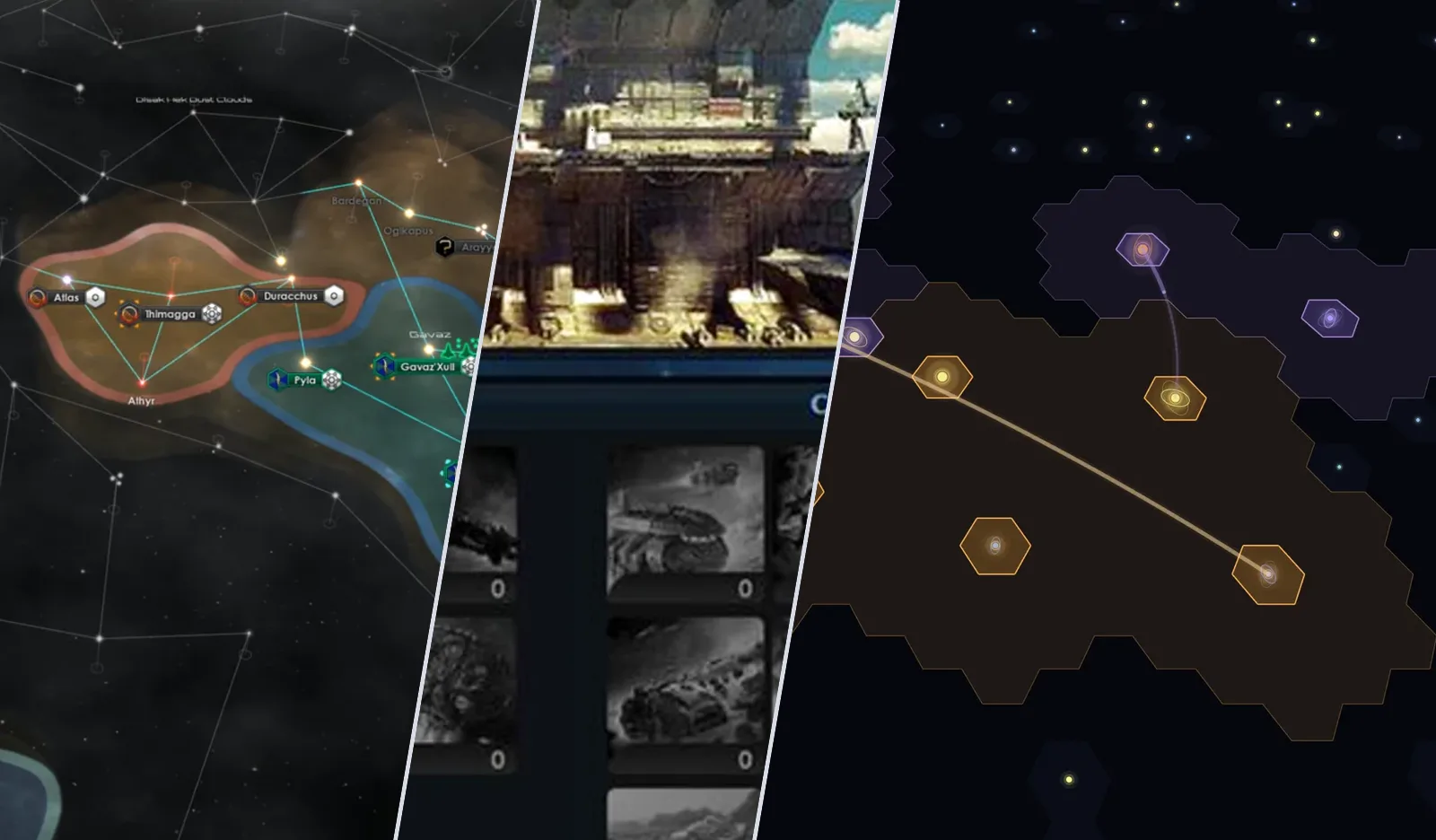
A Chromebook can run more strategy games than its reputation suggests, but not the way a Windows laptop does. There is no installer to double-click. What you can play depends on where the game actually runs. On a Chromebook that means the browser, an Android app or a stream from someone else's computer. Each route has a catch, and which ones are open to you comes down to whether the laptop is yours or managed by a school or employer.
Can you play strategy games on a Chromebook?#
Yes. Browser strategy games run on every Chromebook with nothing to install, because every Chromebook ships with Chrome. Android strategy games such as Civilization VI work on many models through the Play Store, and cloud services like GeForce NOW stream PC games such as Stellaris. Steam for Chromebook ended in January 2026, so local PC games are mostly off the table. Old Light is a free option that runs in the browser. Everything here was checked in September 2026.
Browser, Android and cloud compared#
| Route | Works on a managed laptop | Needs a strong device | What it costs |
|---|---|---|---|
| Browser game | Usually | No | Usually free to start |
| Android app (Play Store) | Often blocked | Depends on the game | Free or paid per app |
| Cloud streaming (GeForce NOW) | If the site is allowed | No, but needs fast net | Limited free tier, or subscription + games |
Browser strategy games for Chromebook#
A game that runs in a tab does not care what operating system sits underneath it. That makes the browser the only route that works the same on a five-year-old school Chromebook and a brand-new one, without needing the Play Store or admin rights.
The browser classics all run fine this way:
- OGame - the long-running space strategy game: build up planets and send fleets that take real hours to arrive. Deep and busy, with a premium currency that paying accounts lean on. More in games like OGame and Travian.
- Travian - ancient-world strategy played in rounds, famous for its alliance politics and for rewarding people who log in at 3am.
- Forge of Empires - a city builder that marches through history era by era. The most polished of the three and the most eager to sell you speedups.
The trade-off is the one every browser strategy roundup has to mention: most of these are free to start and built to sell you the advantage later.
Android strategy games on Chromebook#
Most Chromebooks from the last several years can install Android apps, and that opens up the mobile strategy catalogue.
- Civilization VI has a full Android version. The first 60 turns are free, and after that you buy the full game in the app, with the expansions sold on top. It needs 4 GB of memory and Vulkan support, so whether it runs depends on your exact model. The Play Store will tell you if yours qualifies before you buy.
Other mobile strategy games are worth a try the same way, with one caveat: many are built for a phone held upright, and they can feel cramped or awkward in a landscape laptop window. Compatibility is decided per app and per device, so check the Play Store listing on your own model.
On a school or work Chromebook, the administrator often switches the Play Store off, which is why it can be missing from the launcher.
PC strategy games through cloud streaming#
If the game you actually want is Stellaris or a mainline Civilization on PC, cloud streaming is the realistic answer. GeForce NOW runs the game on a remote machine and streams the picture to your Chromebook, which needs around 4 GB of memory and a connection of at least 15 Mbps. It runs in the browser, so there is no app to install. You play games you already own on Steam or Epic, and both Stellaris and Civilization VI are on the supported list.
Strategy games stream better than most genres, since a few frames of lag matter far less in a pause-and-plan game than in a shooter. It has costs of its own. The free tier cuts you off after an hour, shows an ad and puts you in a queue, so long campaigns need a subscription, and you still buy the games. If grand strategy is your genre, this is the closest a Chromebook gets to a gaming PC. More on that genre in games like Stellaris.
Steam and Linux on a Chromebook#
For a while, Steam ran as a beta on a short list of more powerful Chromebooks. Google ended that program on January 1, 2026, and games installed through it no longer launch. You can still turn on the Linux development environment and try Linux builds of games, but it is fiddly, slow on most hardware and disabled by default on managed devices.
Old Light, a strategy game made for a browser tab#
Old Light is a slow strategy game across one shared galaxy, and it runs entirely in the browser. I built it, so weigh this section accordingly. It happens to suit a Chromebook well.
- It opens in Chrome like any other page. There is nothing to install. The galaxy is drawn with WebGL, which Chrome supports on ChromeOS.
- It does not need the tab open. Builds run on real-time timers and resources accrue while you are away, so there is no reason to keep a heavy game running in the background and draining the battery. You check in a few times a day. The case for that pace is in a strategy game you only have to check twice a day.
- It works with a trackpad or a touchscreen. Drag to pan, pinch or scroll to zoom, and every common action has a key. The controls guide lists them.
- No pay-to-win. An optional Premium upgrade sells bigger queues and cosmetics, and nothing on sale makes one empire stronger than another. That matters more than usual when the free alternatives on this list lean on a store.
Old Light is young, though, and its galaxy is smaller than games that have run for twenty years. If you want the busiest browser world available tonight, OGame or Travian will give you that. If you want a strategy game that fits around a school day or a workday, start with the how to play guide.
How to choose#
On a managed school or work Chromebook, browser games are the most reliable route. If the Chromebook is yours and you want a classic 4X, see whether Civilization VI runs on your model in the Play Store. Stellaris and other PC grand strategy games need GeForce NOW and a fast connection. And if you want a free shared-galaxy strategy game that you don't have to watch, try Old Light.
Common questions#
What is the best strategy game for a Chromebook?#
It depends on which route your Chromebook allows. Civilization VI is the best-known 4X on the Play Store, and Stellaris is the usual grand strategy choice over GeForce NOW. If you can only use the browser, OGame and Travian are the classics, and Old Light is a free shared-galaxy strategy game with no pay-to-win.
Can you play Civilization on a Chromebook?#
Civilization VI has an Android version on the Play Store that runs on many Chromebooks, with 60 free turns before you buy. The PC version can be streamed through GeForce NOW if you own it on Steam or Epic. There is no native ChromeOS version.
Does Steam work on a Chromebook?#
Not anymore. The Steam for Chromebook beta ended on January 1, 2026, and games installed through it no longer run. Cloud streaming is the main way to play Steam games on a Chromebook now.
What games can I play on a school Chromebook?#
Usually browser games, since school administrators often block the Play Store and Linux, and sometimes game sites too. A browser game needs no installation, so it is the route most likely to work, as long as your school allows the site.
Will these games work on a Googlebook?#
Googlebooks, the laptops Google announced in 2026 as the next step after the Chromebook, ship with the full desktop Chrome browser alongside Android apps. Browser games do not depend on the operating system, so anything in the browser section above should work the same way there.
Are there free strategy games for Chromebook?#
Yes. Browser strategy games are usually free to start, including every one on this list, and Old Light is free with nothing for sale that affects your strength. For more options in space, see free space strategy games you can play in a browser.
